Step 1
Snap
Take a photo of the receipt. No typing amounts, no picking categories.
Snap the receipt. Spendo reads it line by line, puts it on the map, and tells you what got more expensive.
App Store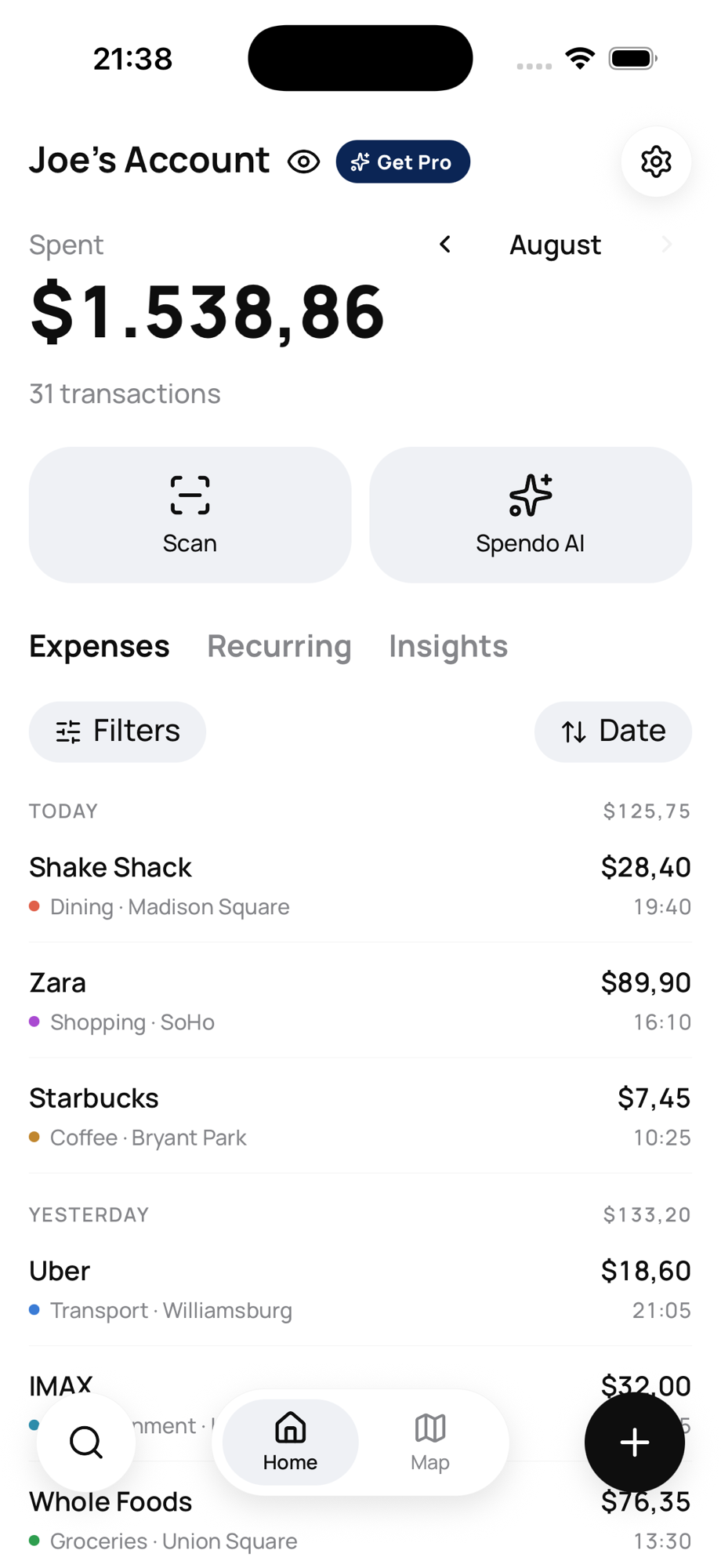
Step 1
Take a photo of the receipt. No typing amounts, no picking categories.
Step 2
AI pulls the total, the date, the category and every single line item.
Step 3
The expense lands in your list, on the map and in your analytics at once.
Amount, date, place, category and everything you bought. Nothing left to type.
See where the money went. Tap a pin, open that day’s receipt.
What you paid for the same product at each store, per litre and per kilo. And how much pricier your basket got — your own inflation.
Recurring costs on a calendar. When a subscription goes up, you hear it from Spendo — not from next month’s statement.
“How much did I spend on coffee last month?” The answer isn’t invented — it comes from your own data.
Spending abroad converts at the rate of the moment it was saved, and your total shows in whichever currency you pick.
Other screens are illustrative
All you do is take a photo.Spendo does the rest.
The basics are free: scan receipts, see your spending, follow it on the map. Full history, product price tracking and a higher scan quota come with Spendo Pro.
No. Spendo never connects to your bank — it reads the receipt itself. That’s exactly why it can see the product level: a statement says “grocery”, a receipt says the price per litre.
Yes — it reads whatever is printed, in whatever language. It knows a US-style date is month-first and a European one is day-first, and it separates the real total from subtotal, tax and change lines.
You can. Manual entry is there for expenses with no receipt — cash, online payments, or a receipt you lost.
Spendo is multi-currency from the start. An expense converts at the rate of the moment it was saved and that rate is stored with it, so your past totals never shift underneath you.
Not yet. Spendo is built iOS-first; we’ll look at Android once iOS is settled.
Where did your money go